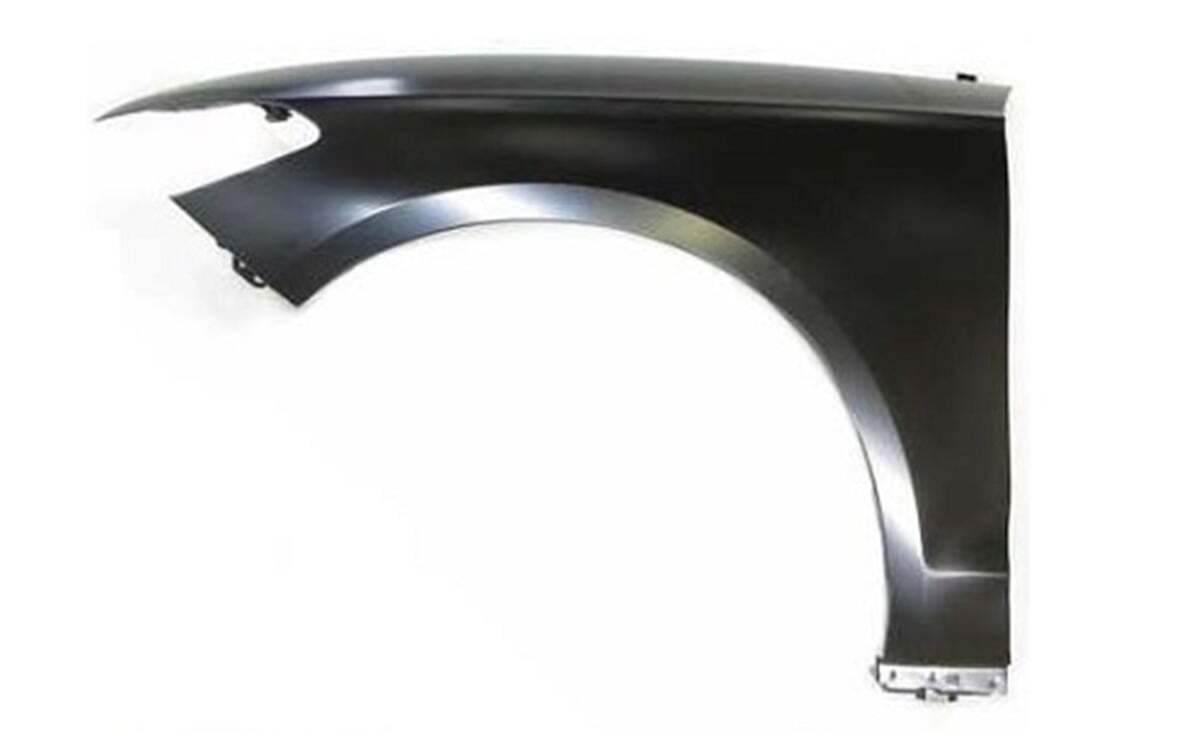

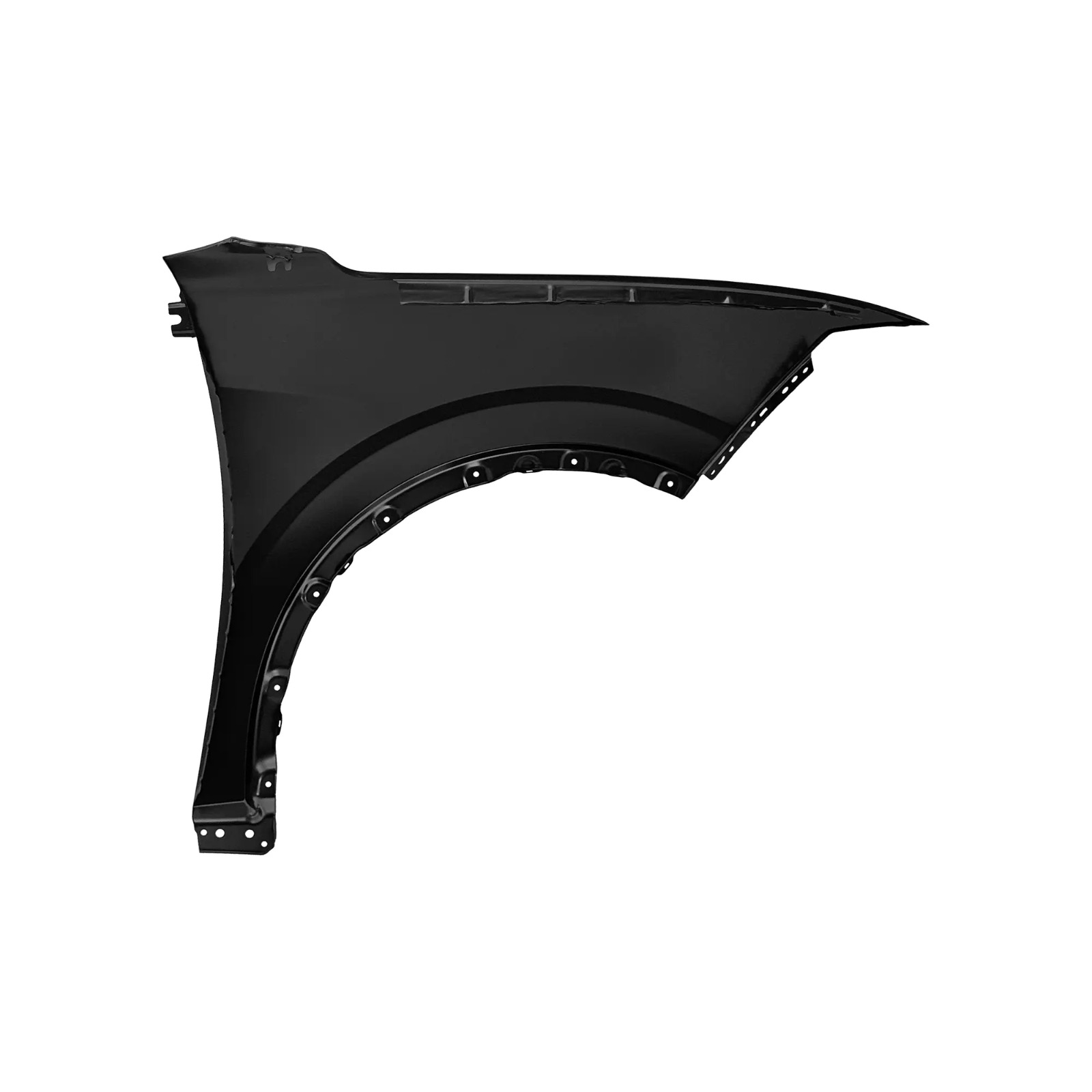
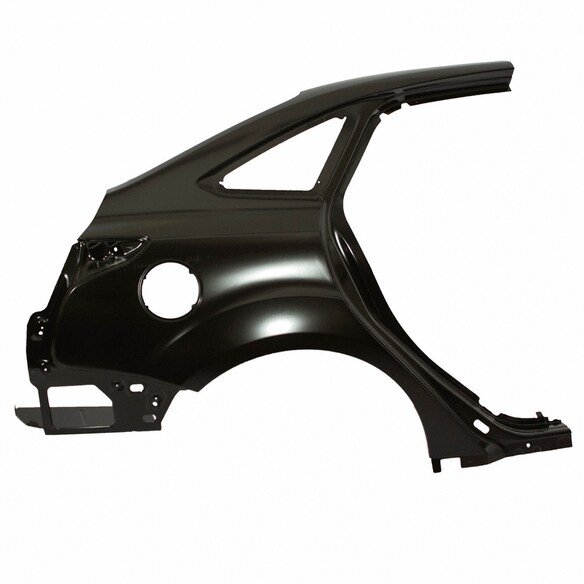
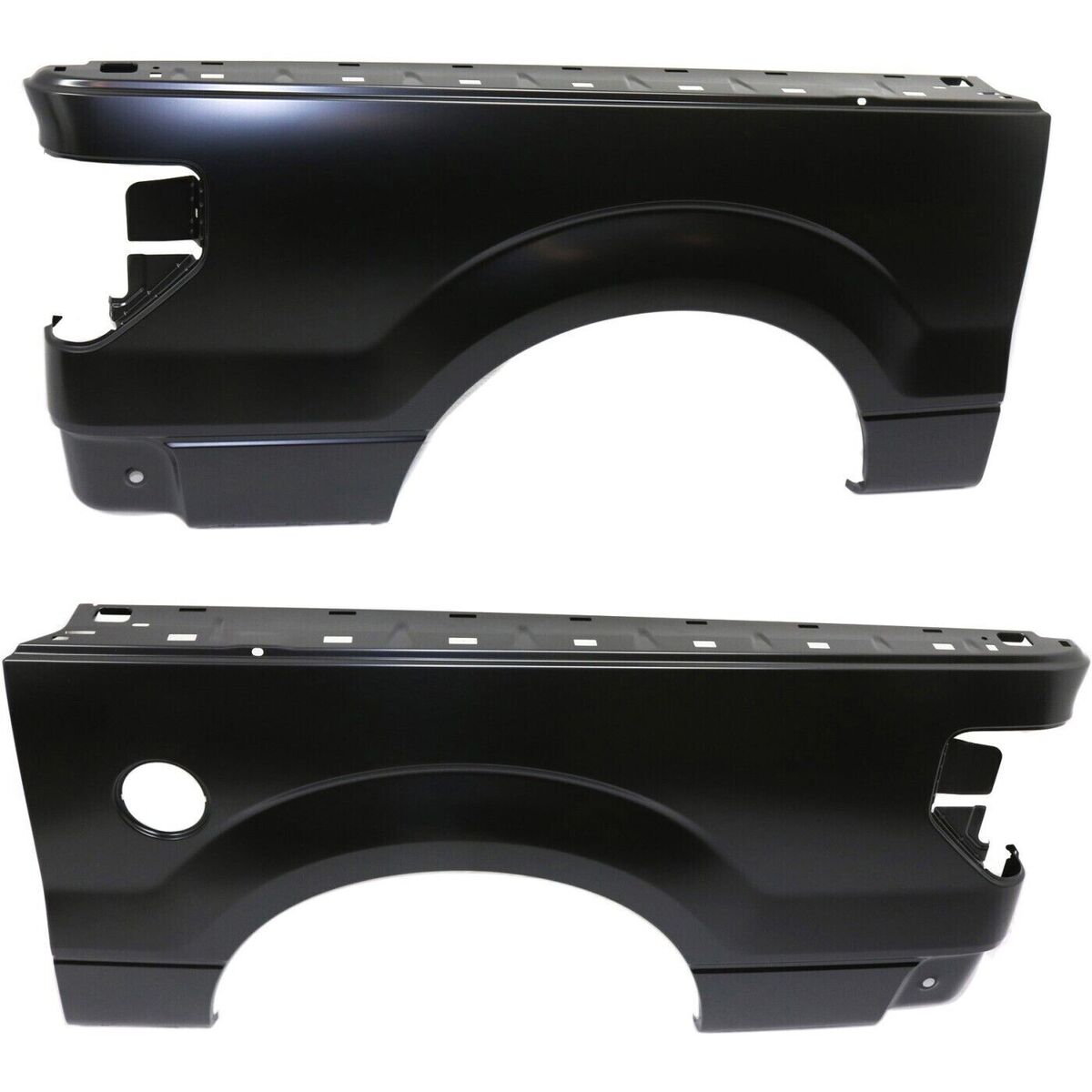
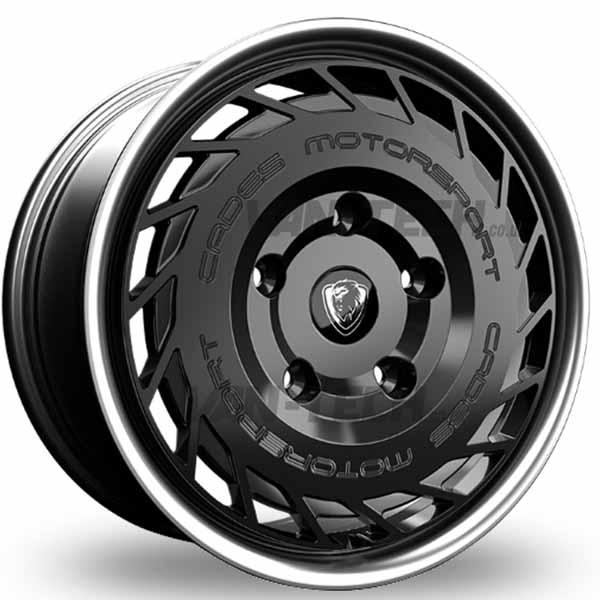
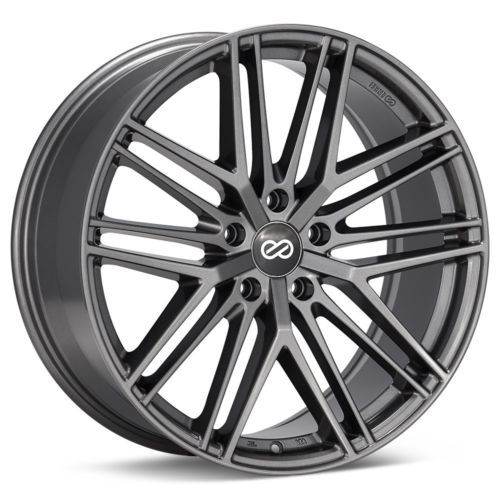

To order from the Mrford Spares, you typically need to follow these general steps:
-
Browse the Catalog: Navigate the website to find the Ford spare parts you need. Use categories, search bar, or filters to locate specific parts.
-
Select Parts: Click on the desired part to view details and add it to your shopping cart.
-
Review Your Cart: Once you have added all needed items, go to your cart to verify quantities and product selection.
-
Checkout Process: Proceed to checkout. You will be prompted to enter your shipping information, billing information, and payment method.
-
Create an Account or Guest Checkout: Some sites require account creation for order tracking or quicker checkout, while others allow guest checkouts.
-
Place Order: Confirm your order and payment. You should receive an order confirmation email with tracking details.